

A driver checks in for a 9 a.m. unload. The dock board still shows the booked door as occupied, even though the yard spotter has moved the previous trailer.
The guard sees the booking, the dock crew sees an occupied door, and the spotter knows it’s clear. A yard management system gives those teams one record for the visit.
What Is a YMS and How Does It Work?
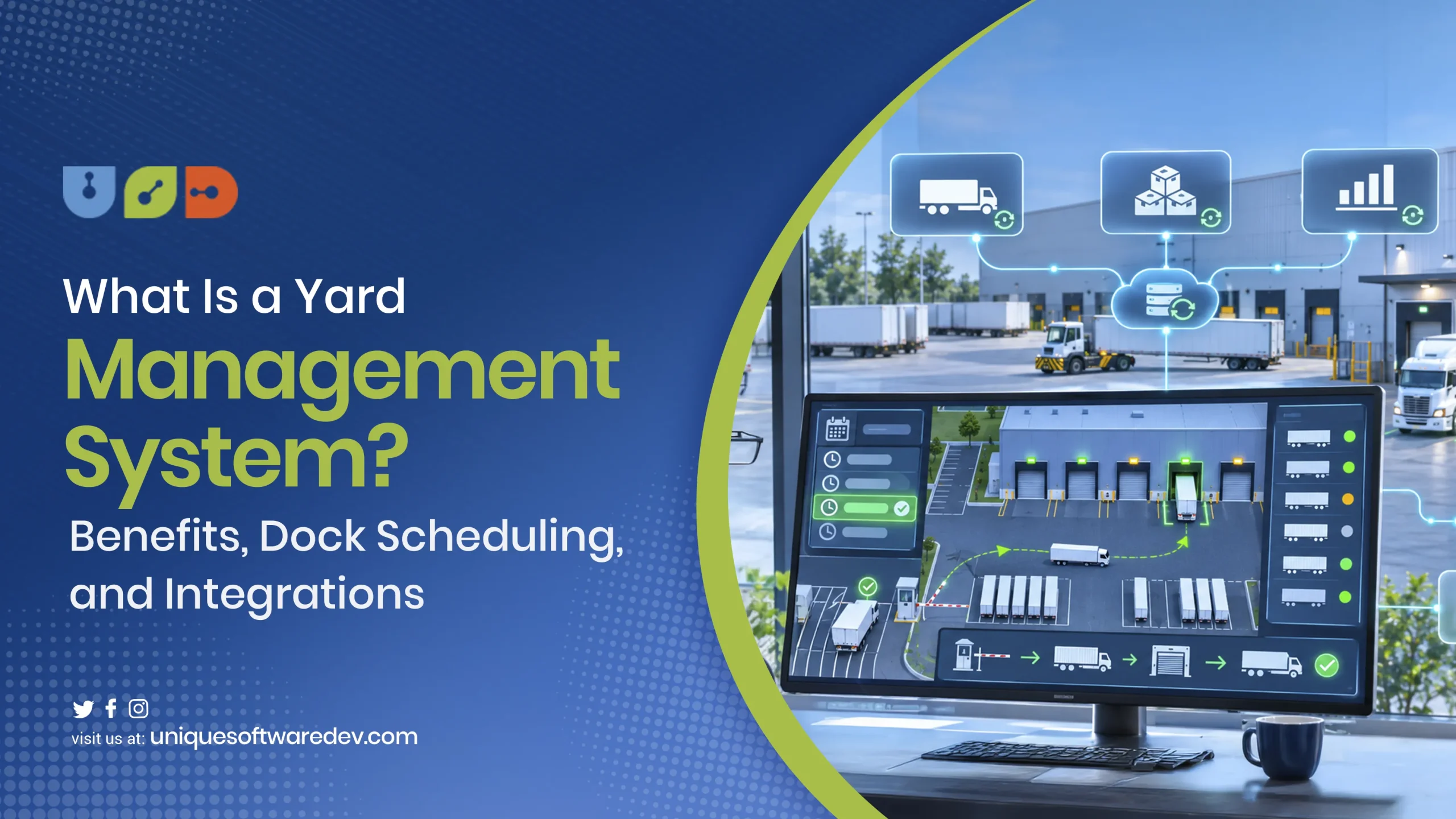
A yard management system (YMS) is software that tracks trucks, trailers, and containers at a facility. It records gate arrivals, parking locations, dock assignments, trailer moves, and departures.
A YMS can operate as standalone software or as part of a custom logistics software platform for warehouse operations. In both setups, a shared appointment reference links each truck visit to its check-in, dock assignment, trailer movements, and final release.
How a Visit Moves From Gate to Dock
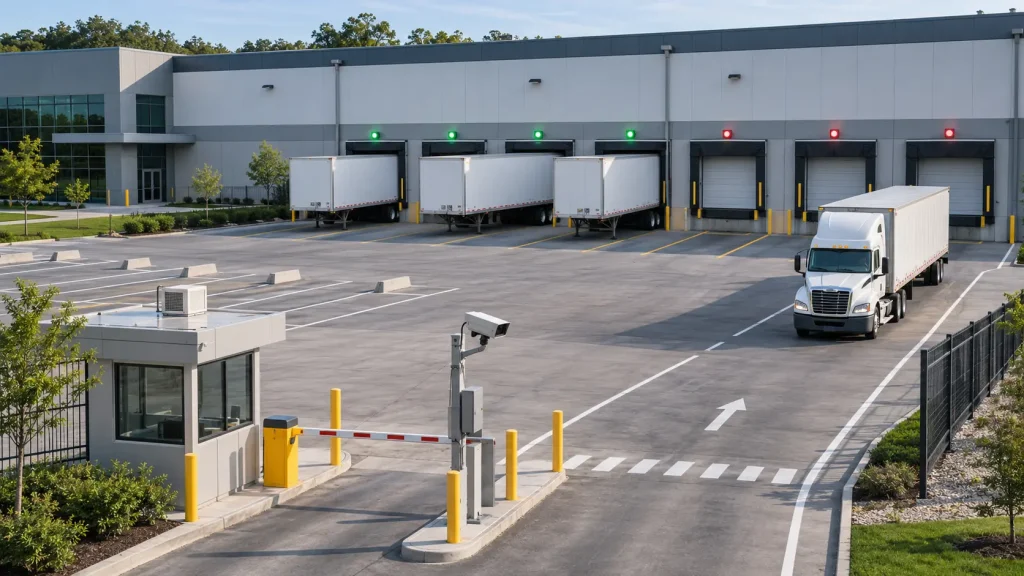
A carrier books a slot against a shipment or purchase order. At check-in, the guard verifies the booking, records the trailer number, and directs the driver to a door or staging spot.
In a live load, the driver waits while the trailer is loaded or unloaded. A drop trailer can stay behind for unloading or pickup after the driver leaves.
When a door opens, a dispatcher can assign a yard spotter to move the trailer. The spotter confirms the move, which updates the trailer’s location and the door’s occupancy.
The yard management system records when the trailer was spotted at the door, when service ended, and when it left. Those timestamps give supervisors a way to trace a delay.
What the Gate Team Needs to Capture
Give each visit its own ID, even when the same trailer comes back later that day. Tie that visit to the appointment, carrier, load reference, and equipment ID.
Keep a review queue for walk-ins, mismatched references, and trailers held for inspection. Assign a person to clear each exception so the driver receives a clear instruction at the gate.
How Dock Appointment Scheduling Works
Dock appointment scheduling reserves time and handling capacity for incoming and outgoing loads. A slot works when the facility has the right door, work crew, and equipment available together.
Set Slots Around the Work at Each Door
Start with door eligibility, shift coverage, and actual unload or load times. A floor-loaded trailer can need a longer reservation than a palletized delivery that the crew can unload by forklift.
Set booking rules by load type, carrier, and facility. For a reference model, SAP Yard Logistics documentation shows how a yard can be mapped to docking locations and the points where loading or unloading takes place.
A supervisor can reassign the door as conditions change, and the YMS records the booked door against the one actually used.
Give Early and Late Arrivals a Clear Path
Suppose a truck booked for 10 a.m. arrives 40 minutes early. The previous unload is running late. The gate can send the early truck to staging and keep its booking visible.
Agree on grace periods and escalation rules before opening self-service bookings. Give staff the same calendar for phone bookings, so a carrier without portal access can still reserve an available slot.
Missed appointments can lead to redelivery, driver detention and extra handling. Record who changed the booking and when, so the team can reconstruct the schedule when a charge is disputed.
Gate staff need a clear next step when a driver arrives early or a reference fails validation.
Put booking checks and staging instructions on the same check-in screen.
What a Yard Management System Can Save
The biggest gains depend on why trailers wait at your site. A yard management system can show whether time is lost at the gate, in staging, or at the door.
Measure Wait Time and Detention Separately
Start with gate-to-gate turnaround for a live visit. The yard system can sit within a custom logistics software platform.
Measure drop trailers from drop-off to pickup and report them separately from live loads. For detention claims, compare the appointment and actual event times with the carrier agreement’s free-time rules.
For example, a live unload takes 150 minutes from gate-in to gate-out. If the agreement allows 120 minutes from check-in and its other conditions are met, 30 minutes may be billable.
Find Out Where the Delay Started
Break the visit into time waiting for a door, time at the door, and time waiting for release. That split helps a manager see where to investigate a late departure.
Use the same timestamp rules before and after rollout. When calculating transportation software ROI, track reduced detention payments separately from hours that staff can now spend on other work.
Track yard metrics by shift and load type. A slow unload on an overnight shift and a line of trucks at the morning gate need different fixes.
- Gate-to-dock time measures how long checked-in trucks wait for a door.
- Door occupancy time runs from confirmed spot time to the trailer clearing the door.
- Trailer location accuracy compares recorded locations with a physical yard check.
- Appointment adherence measures arrivals within your agreed arrival window.
- Detention cost per eligible visit uses actual charges and the relevant carrier terms.
How YMS Integrates With WMS, TMS, and ERP
A yard management system needs common references with the tools that planned the shipment and will receive it. Decide which system owns each record before choosing how to exchange data.
YMS vs. WMS vs. TMS
An inbound load can appear in all three systems. The table shows where teams typically record the transport plan, the trailer’s movement on site, and the goods received.
| System | What it manages | Example from the same delivery |
|---|---|---|
| Yard Management System (YMS) | Truck and trailer visits from gate check-in to departure | Records when the trailer checked in, where it parked, and which dock door it actually used. |
| Warehouse Management System (WMS) | Inventory and warehouse work, including receiving, putaway, picking, and shipping | Records how many pallets the receiving team accepted and where they were put away. |
| Transportation Management System (TMS) | Load planning, carrier assignment, tendering, and shipment tracking | Holds the load ID, assigned carrier, and expected arrival. It can receive actual gate times from the YMS. |
TMS and YMS Share the Shipment and Visit Status
The transportation management system can send load IDs, assigned carriers, and expected arrivals. The yard system can return check-in, door assignment, and departure events for dispatch to act on.
For example, a carrier swaps trailers after booking. Keep the load reference and the appointment linked to the visit, then record the equipment change with its timestamp.
WMS and YMS Coordinate Activity at the Door
The yard system can confirm that a trailer reached the door. The warehouse management system (WMS) can report when receiving or loading is complete so the yard team can schedule the next move.
If the advance shipping notice (ASN) is missing, tell the dock team how to hold the visit for review. Keep the booked appointment and actual arrival available while someone checks the shipment.
ERP Receives the Records Finance Needs
Use WMS and ERP integration to pass approved inventory and financial transactions to finance. For detention review, give finance the visit reference and timestamps it needs to check charges.
A yard management system should flag failed exchanges for review. If it resends an event, reuse the original event ID so the receiving system can skip an update it has already processed.
Test the awkward cases before launch. Send a cancellation after check-in and replay a duplicate departure. Check what staff see when an older event arrives after a newer one.
Missed handoffs leave dispatch guessing whether a trailer can go.
Map which system sends the release event and decide who gets alerted if the message fails to arrive.
How to Choose and Pilot a Yard Management System
Review the cause of your busiest shift’s delays before comparing products. If the recurring issue is double-booked doors, test a scheduling tool with your current systems and real appointment rules.
If trailers routinely go missing in the yard, test whether the tool can track parking spots, spotter tasks, and trailer changes. An accurate gate log alone leaves those moves unaccounted for.
The 2025 Gartner Market Guide for Yard Management identifies standalone systems and yard modules in warehouse or transportation software. Compare the options using the same gate, staging, and door scenarios.
Buy, Extend, or Build a YMS?
- Buy a standalone YMS when a packaged product covers several missing workflows, such as gate check-in, trailer moves, and dock scheduling. Have the vendor demonstrate what happens when a dock becomes unavailable.
- Extend your WMS or TMS when a supported yard module can cover a specific gap, such as dock booking. Test whether gate staff can see appointment changes without entering the booking twice.
- Build a custom module when packaged products and add-ons cannot enforce a required rule, such as customer-specific checks before trailer release. Confirm who will maintain its interfaces and handle outages.
Run a Pilot on One Shift
Start with one yard and a shift that handles both live and drop trailers. Have gate, warehouse, and dispatch staff check the same visits against a physical yard count.
Ask each vendor to run the cases below using sample records from your site. Include the receiving exceptions already documented in your WMS software requirements.
- A driver arrives without a matching appointment or with a different trailer.
- A door becomes unavailable while multiple trucks are staged.
- The warehouse completes unloading during an interface outage.
- Two shift teams need to agree on which trailers are still on site.
Include subscriptions, interface work, devices, training, and support in the cost comparison. Set acceptance criteria for yard accuracy, event recovery, and how much staff follow-up each visit needs.
Start With the Yard Handoff That Breaks Most Often
Pick one visit and follow it from booking to gate-out. Find the first point where two teams disagree about the trailer’s location, the available door, or whether the load can leave.
Unique Software Development can scope logistics management software development that starts with that handoff. Bring a sample appointment, a yard map, and an exception log to define the workflow your pilot should prove.