

A truck fills up in Texas, then travels through Oklahoma and Kansas. Calculating its quarterly fuel tax balance means matching mileage in each state with fuel consumption and taxes already paid.
IFTA reporting software brings those records together, calculates jurisdiction-level tax or credit amounts, and prepares a return for review. Accurate mileage, documented fuel purchases, and current reporting rules underpin each calculation.
What IFTA Reporting Software Does
The International Fuel Tax Agreement simplifies fuel-use tax reporting across 48 contiguous U.S. states and ten Canadian provinces. IFTA reporting software can connect with accounting software for trucking companies to support reconciliation.
IFTA generally applies to qualifying vehicles operating in two or more member jurisdictions, such as Texas, Oklahoma, and Ontario. Confirm vehicle eligibility and licensing requirements with your base state or province.
Map the fuel tax reporting workflow from data collection through review and filing. Assign responsibility for each stage. Confirm whether the software prepares the IFTA return, supports submission, or includes a filing service.
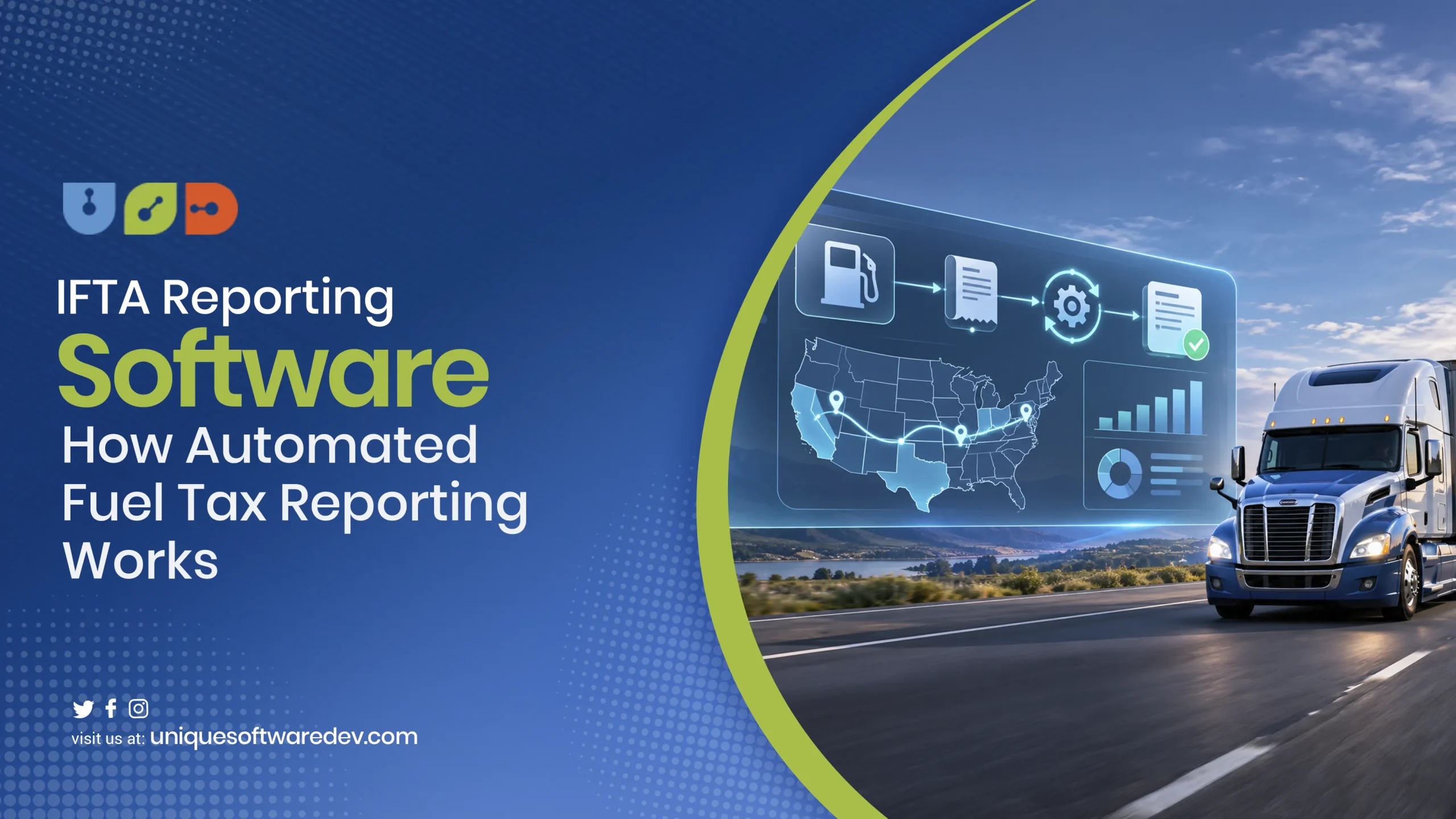
How Automated Fuel Tax Reporting Works
IFTA reporting software should turn incoming records into a traceable quarterly dataset. Each stage needs a defined owner and a way to investigate missing information before it affects the return.
1. Connect Vehicle and Distance Records
Import vehicle identifiers, travel dates, odometer information, and jurisdiction-level distances from approved sources. Verify the ELD integration supports the carrier data you need, including historical access and export permissions.
Keep a consistent vehicle identifier across the mileage provider, fuel card system, and reporting application. Changes such as a replacement device or renamed truck should trigger a mapping review before further imports.
2. Import Fuel Purchases and Supporting Documents
Capture purchase dates, seller details, fuel type, volume, price, vehicle identification, and purchaser information. Retain the original supporting record and connect it to the transaction that appears in the reporting dataset.
Drivers can use offline mobile data capture where connectivity makes immediate submission difficult. Test whether queued uploads preserve vehicle references, receipt readability, and transaction dates after the device reconnects to the network.
3. Standardize and Validate the Inputs
Map field names, time zones, measurement units, fuel types, and vehicle identifiers before combining sources. Keep the original import alongside the standardized record so staff can explain how each value was derived.
Use application integrations that flag failed imports, missing periods, and duplicate transactions. Assign a reviewer to each exception. Retain the supporting evidence and a record of every approved correction.
4. Reconcile Distance and Fuel Exceptions
IFTA reporting software should identify unexplained odometer gaps, unusual fuel economy, duplicate receipts, and transactions assigned to unknown vehicles. Review the source evidence before changing a jurisdiction total or accepting a flagged purchase.
Use document extraction and validation with AI to reduce repetitive entry where appropriate. Configure the workflow to request review when a receipt is unreadable, a unit cannot be identified, or extracted values conflict.
5. Apply Rules for the Reporting Period
Separate reporting datasets by fuel type and the relevant fleet grouping. Maintain the appropriate quarter’s rate tables, effective dates, calculation settings, and any jurisdiction-specific treatment the return requires.
IFTA reporting software should retain the version of the rules used for each calculation. Give reviewers a clear comparison when updated inputs change an amount that was previously approved or reported.
6. Prepare the Return and Complete the Filing Workflow
The current IFTA Articles of Agreement establish quarterly reporting and timely filing requirements. Use the base jurisdiction’s submission instructions, then retain the return, filing confirmation, and applicable payment evidence.
Set distinct statuses for preparation, approval, submission, acceptance, and payment. IFTA reporting software should make an unfinished filing step visible to the employee responsible for completing it before the applicable deadline.
Replace quarter-end data chasing with a defined reporting workflow.
Unique Software Development can scope the vehicle connections, fuel imports, exception queues, and review controls needed around your existing systems.

How the Fuel Tax Calculation Works
IFTA reporting software applies a calculation that connects fleet fuel economy, taxable distance, and tax-paid fuel purchases. The Texas IFTA Guidebook, revised July 2025, explains the calculation and reporting adjustments.
For a simplified diesel example, assume 12,000 total fleet miles and 2,000 gallons delivered into qualified vehicles. All example miles are taxable, and the purchases have valid supporting documentation.
- Average fleet fuel economy: 12,000 miles ÷ 2,000 gallons = 6 MPG.
- Taxable gallons per jurisdiction: Taxable miles ÷ fleet MPG.
- Net taxable gallons: Taxable gallons minus eligible tax-paid gallons purchased in that jurisdiction.
- Tax or credit: Net taxable gallons multiplied by the applicable rate, before other adjustments.
The rates below are hypothetical and do not represent any state’s current rate. This example excludes surcharges, exemptions, interest, penalties, and other special treatment that may affect an actual return.
| Calculation item | Jurisdiction A | Jurisdiction B |
|---|---|---|
| Taxable miles | 7,200 | 4,800 |
| Taxable gallons at 6 MPG | 1,200 | 800 |
| Eligible tax-paid gallons purchased | 1,000 | 1,000 |
| Net taxable gallons | 200 | −200 |
| Hypothetical rate per gallon | $0.30 | $0.40 |
| Illustrative tax or credit | $60 tax | $80 credit |
The combined illustrative result is a $20 net credit before other applicable items. Fuel purchases and jurisdiction-level consumption play different roles in the calculation, which makes accurate records essential to reconciliation.
The software must also handle applicable exemptions, surcharges, and rate changes during a quarter. Verify calculation and rounding rules against the base jurisdiction’s instructions using test cases with known expected results.
Records and Controls the System Must Preserve
IFTA reporting software needs supporting evidence that remains accessible after a quarter closes. A reviewer should be able to follow a reported total back to the underlying distance records and fuel transactions.
The 2026 IFTA Procedures Manual requires GPS tracking records at least every ten minutes while the engine is on. Include timestamps, coordinates to at least four decimal places, odometer information, and vehicle identification.
Those tracking records must be accessible in a spreadsheet or delimited electronic format. Static images of tracking data, including PDF summaries, do not satisfy that specific electronic-data requirement in P540.200.
Evaluate fleet management platforms on the records they preserve and export. Ask for a sample covering device outages, corrected trips, and a quarter that predates your current subscription or integration setup.
Configure access around the reporting responsibilities of drivers, operations, accounting, and reviewers. Keep original documents, correction history, approval details, and period locks available through the applicable retention period and any audit-related extensions.
Make reporting evidence accessible alongside the calculated totals.
Unique Software Development can assess the data connections and review functions needed to keep your fleet’s reporting workflow consistent as systems change.
Choose a Reporting Tool, Extension, or Custom Module
Begin by comparing the workflow with your existing fleet management software. Document the reporting requirements it meets, the evidence it retains, and the manual steps that remain between imported data and submission.
IFTA reporting software deserves evaluation using a complete sample quarter. Include a missing receipt, a duplicate fuel transaction, an interrupted tracking feed, and a corrected vehicle assignment in the demonstration.
Compare packaged and custom software against those same cases and the full operating cost. The appropriate choice depends on the unresolved gaps, integration access, and support your organization can sustain.
| Your situation | Practical starting point | Verify before committing |
|---|---|---|
| Existing tools cover the required records and calculations | Configure the reporting tool and its available connections | Historical access, review functions, export formats, filing scope, and total fees |
| Core fleet software works, but imports or reconciliation remain manual | Add a focused integration or reporting extension | API access, data ownership, synchronization, exception handling, and ongoing maintenance |
| Essential workflows remain unsupported across several systems | Scope a custom reporting module | Requirements validation, calculation tests, retention, approval controls, and support ownership |
Evaluate legacy-system modernization when an older application still holds necessary vehicle or financial records. A limited integration may resolve the reporting gap while preserving the operational functions your team already relies on.
Where reporting connects with an ERP system, establish ownership of financial entries and adjustments. Confirm how corrections, payments, and reporting-period changes reach accounting without creating duplicate records or unexplained balances.
Custom logistics software development should begin with a defined reporting problem and acceptance criteria. Confirm access to the required data and assign responsibility for maintaining integrations and calculation rules before estimating delivery.
Test a Complete Quarter Before Expanding
Select a representative quarter covering your vehicles, fuel types, and jurisdictions. Compare the output with reconciled source records. Investigate each difference and record its cause before accepting the result.
Use a business process assessment to identify repeated data-cleaning and approval work. Measure where staff intervene, what evidence they need, and which errors can be detected earlier through a weekly review.
Add AI-assisted logistics automation where testing supports a useful result, such as receipt classification or anomaly summaries. Keep tax calculations governed by maintained rules and validate proposed corrections through the approved review process.
Measure transportation software ROI using preparation time, unresolved exceptions, correction frequency, and the cost of maintaining integrations. Released staff capacity can support other work, with cash savings recorded only when expenditure actually decreases.
Build a Reporting Workflow Your Team Can Reconcile
IFTA reporting software should let reviewers trace each reported amount to its source records. Build the workflow around reliable imports, verified rules, and accountable review before expanding automation across the fleet.
Unique Software Development provides transportation software development covering applications, integrations, and software upgrades built around operational workflows. Bring your mileage sources, fuel records, and reporting gaps to a discussion about the implementation your fleet can maintain.